
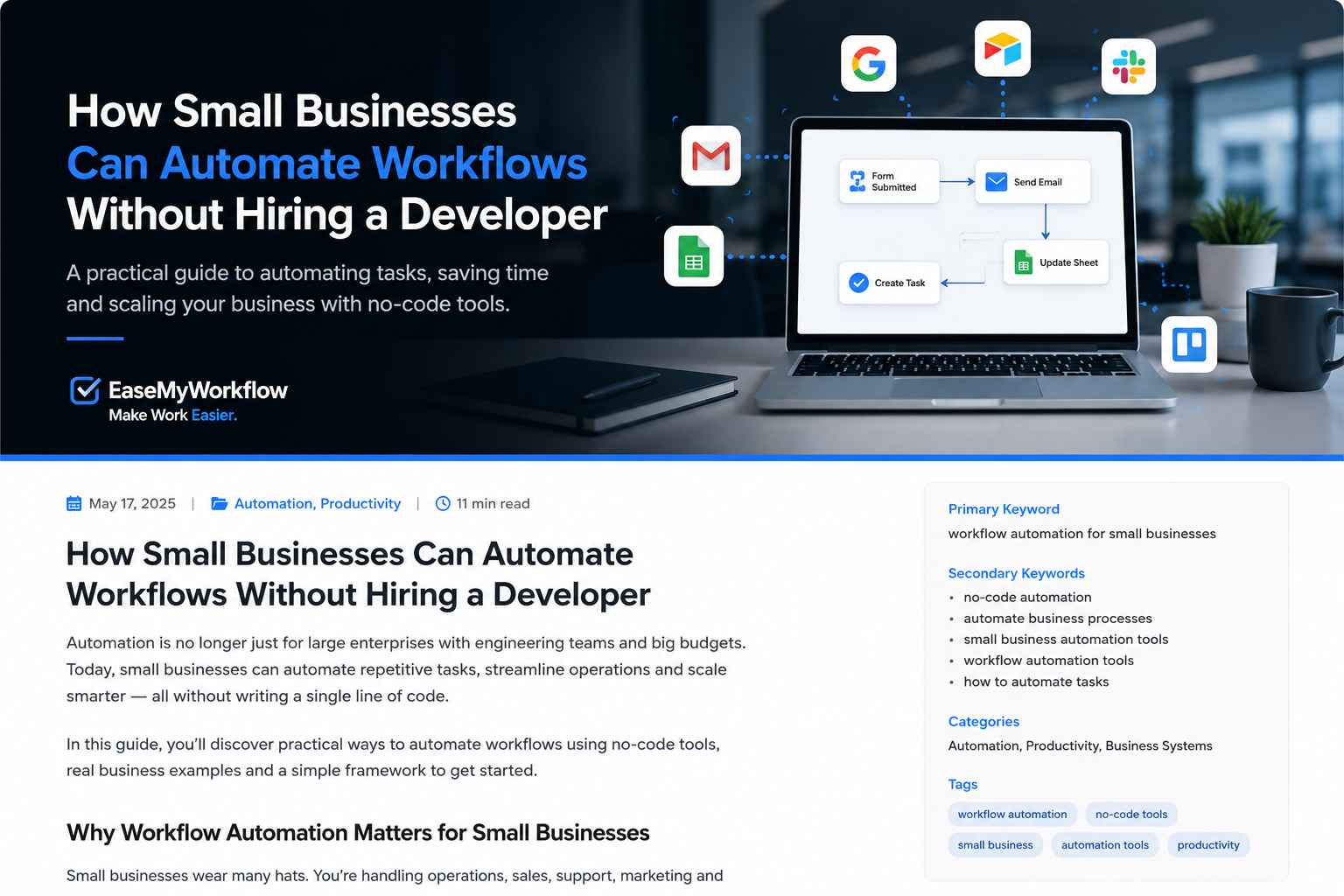
Small businesses often know exactly where time is being wasted: copying lead details into a spreadsheet, sending the same onboarding emails, chasing approvals, updating project boards and preparing routine reports. The problem is rarely a lack of ideas. It is the assumption that fixing these processes requires custom software or a full-time developer.
That assumption is increasingly outdated. Modern no-code and low-code platforms let non-technical teams connect business apps, create rule-based workflows and add carefully controlled AI steps through visual interfaces. The goal is not to automate everything. It is to remove predictable administrative work while keeping people involved wherever judgement, risk or customer relationships matter.
This guide explains how to approach workflow automation for small businesses in a practical way, including what to automate first, which type of automation to use and how to avoid creating fragile systems.
Why small-business workflow automation is more accessible now
Traditional automation projects often involved custom code, database work and ongoing technical maintenance. Today, many popular business platforms provide prebuilt connectors, visual workflow builders and natural-language setup tools.
For example, Zapier currently promotes more than 9,000 app integrations and positions its automation tools as no-code. Microsoft Copilot Studio is a graphical low-code environment for building agents and flows, including workflows that can contain human review steps. Google Workspace Studio provides AI-powered workflow design inside Google Workspace and is available with Business and Enterprise Workspace plans. OpenAI has also introduced shared workspace agents in ChatGPT for repeatable work across connected tools.
These products are different, but they reflect the same shift: businesses can now build useful operational systems without writing every integration from scratch.
Start with the process, not the tool
A common mistake is subscribing to an automation platform and then searching for something to automate. A better approach is to identify a business process that is already repeated frequently and has a clear result.
Good first candidates usually have five characteristics:
- The process happens several times each week.
- The steps are mostly consistent.
- Information is copied between two or more apps.
- Delays or missed steps create a visible business cost.
- A person can quickly verify whether the output is correct.
Examples include routing website enquiries, creating tasks after a sale, sending client onboarding instructions, reminding customers about missing documents, organising support requests and preparing weekly activity summaries.
A poor first candidate is a complex process with unclear ownership, many exceptions and serious consequences if something goes wrong. Automation does not repair a broken process. It can make the broken process run faster.
Choose the right type of automation
1. Use a rule-based workflow for predictable steps
Rule-based automation is best when the logic can be written as “when this happens, do that.” For example:
- When a contact form is submitted, create a CRM record.
- When a deal moves to “won,” create an onboarding project.
- When an invoice becomes overdue, notify the account owner.
- Every Friday afternoon, collect project updates into one report.
This type of workflow is deterministic: the same input follows the same defined path. It is usually easier to test, monitor and explain than an AI-led process.
2. Add AI when the input requires interpretation
AI becomes useful when the workflow must understand unstructured information. It can classify an enquiry, extract details from a document, summarise notes, draft a response or identify the likely intent of a support request.
For example, an enquiry workflow could use AI to identify whether a message relates to website development, workflow automation or general support. The workflow can then send the message to the correct team and prepare a draft reply for review.
The important word is draft. AI output can be helpful without being automatically trusted. A small business can gain most of the speed advantage while still requiring a person to approve customer-facing messages, pricing, financial changes or sensitive decisions.
3. Use an AI agent for bounded multi-step work
An AI agent is appropriate when the system needs to gather context, choose between permitted actions and complete several steps toward a defined goal. OpenAI describes an agent as involving a trigger, a process and approved tools or systems. This makes agents more flexible than fixed workflows, but also less predictable.
A useful small-business agent might review new leads, collect public company information, compare the lead against a qualification checklist and prepare a briefing for a salesperson. It should not be allowed to change pricing, make binding promises or send messages without approval unless the business has tested the process extensively and accepts the risk.
Five workflows small businesses can automate first
Lead capture and follow-up preparation
Connect website forms to the CRM, assign an owner, check whether required information is missing and create a follow-up task. AI can summarise long enquiries or suggest a response, while a team member remains responsible for sending it.
Client onboarding
When a proposal is accepted or payment is received, automatically create the project, open the correct folders, send a welcome email, assign internal tasks and request the documents needed to begin work.
Meeting follow-up
After a meeting, generate a concise summary, extract action items, assign owners and save the notes in the relevant client or project record. Require participants to review the actions before they become commitments.
Invoice and document reminders
Send polite reminders based on due dates or missing documents. Escalate the case to a person after a defined number of attempts instead of continuing an automated sequence indefinitely.
Weekly operational reporting
Collect key information from sales, support and project systems, place it into a consistent report and highlight missing or unusual data for review. This reduces preparation time without pretending that the system can fully explain every business change.
A seven-step method for building your first workflow
Step 1: Write the current process in plain English
Document what starts the process, who performs each step, which apps are used, where decisions occur and what “completed” means. Include the exceptions people currently handle manually.
Step 2: Remove unnecessary steps
Before automating, ask whether every approval, spreadsheet and notification is still needed. Simplification often saves more time than automation.
Step 3: Define the trigger and outcome
Be specific. “Improve onboarding” is not a workflow. “When the first invoice is paid, create the onboarding project and send the document checklist” is a workflow.
Step 4: Limit permissions
Give the automation access only to the data and actions it needs. Avoid using a business owner’s unrestricted account when a narrower service account or role is available.
Step 5: Add approvals at high-risk points
Require human review before sending external messages, changing financial records, deleting information, granting access or making decisions that could materially affect a customer or employee.
Step 6: Test normal and unusual cases
Test complete data, missing data, duplicate submissions, incorrect formats, unavailable apps and unexpected AI output. Confirm what happens when any step fails.
Step 7: Monitor and improve
Assign an owner, review workflow logs and measure whether the automation is actually reducing work. Track failures, manual corrections, completion time and user feedback. A workflow is an operational asset, not a one-time setup.
How to keep no-code automation reliable
No-code does not mean no governance. The underlying process can still access sensitive data, send communications and change business records. The NIST AI Risk Management Framework encourages organisations to govern, map, measure and manage AI risks. Small businesses can apply the same principle in a lightweight way.
- Keep an automation register: Record each workflow, its owner, connected apps, permissions and approval points.
- Use test environments where possible: Avoid experimenting with live customer or financial data.
- Create failure alerts: Make sure someone is notified when a workflow stops or produces an exception.
- Review access regularly: Remove old connections and permissions when tools or team roles change.
- Preserve a manual fallback: Staff should know how to complete critical work when an automation service is unavailable.
When a developer or automation specialist is still valuable
No-code platforms are powerful, but they are not ideal for every situation. Professional help is useful when a workflow involves complex legacy systems, unusual APIs, high transaction volumes, sensitive regulated data, advanced security requirements or a customer-facing product that needs custom logic.
A specialist can also help when several disconnected automations have grown into a fragile network. At that point, the business may need a clearer architecture, shared data model, monitoring dashboard or custom integration.
The practical objective is not to avoid developers at all costs. It is to use development resources where they create the most value, while allowing straightforward business processes to be improved without unnecessary custom code.
Conclusion: automate one clear workflow first
The best small-business automation project is usually not the most ambitious one. It is a visible, repetitive process with a clear owner, measurable outcome and manageable risk.
Start with a rule-based workflow. Add AI only where interpretation genuinely helps. Keep approvals around sensitive actions, monitor the result and improve the process over time. Once the first workflow is stable, the same method can be applied to other parts of the business.
EaseMyWorkflow helps businesses simplify work through professional websites, AI systems, workflow automation, business process improvement and custom operational tools. To identify a practical starting point, request an AI Business Audit or discuss a workflow challenge. Make Work Easier.