
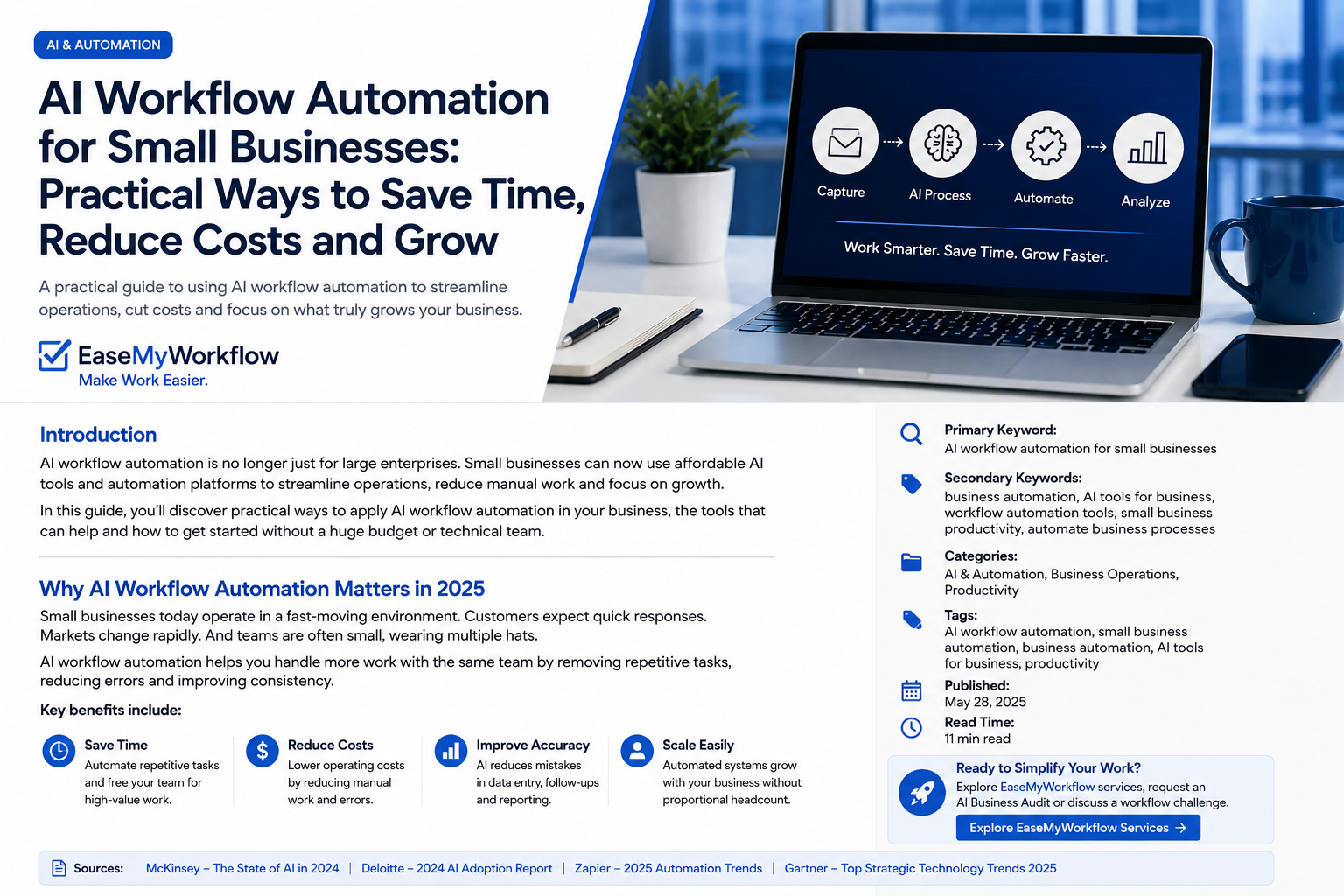
AI workflow automation is moving beyond simple chat prompts. Modern tools can collect information, update systems, draft responses, route work and complete multi-step tasks across business applications. For a small business, that creates a valuable opportunity: increase capacity without immediately adding more administrative work.
However, the biggest mistake is to start with the AI tool. A faster version of a confusing, inconsistent process is still a bad process. The better approach is to identify one useful workflow, simplify it, define the controls and then automate the right parts.
This guide provides a practical framework for introducing AI workflow automation for small businesses in a way that is useful, measurable and manageable.
What Is AI Workflow Automation?
Traditional workflow automation follows fixed rules: when a form is submitted, add a row to a spreadsheet and send an email. AI workflow automation adds the ability to handle less structured work, such as interpreting an enquiry, classifying a document, drafting a personalised response or deciding which approved path a task should follow.
A typical AI-enabled workflow may combine:
- A trigger, such as a new email, form submission or uploaded document
- Business rules that determine what must happen
- An AI step that extracts, classifies, summarises or drafts
- Connected systems such as a CRM, help desk, project tool or accounting platform
- A human approval point for sensitive or high-impact actions
- Logging and reporting so the business can review performance
The goal is not to make every process autonomous. The goal is to create a dependable operating system in which people handle judgment, relationships and exceptions while software handles repetitive coordination.
Why Workflow Design Matters More Than the AI Tool
Recent workplace research and industry commentary increasingly emphasise that AI adoption is a business transformation challenge, not simply a software purchase. Microsoft’s 2026 Work Trend Index describes the need for leaders to “rearchitect work” as agents take on more execution. PwC’s US CEO similarly warned that AI cannot repair a fundamentally broken business process; it can amplify the existing weaknesses instead.
That principle is especially important for smaller organisations. A small team usually has less spare capacity for failed implementations, duplicated records, confused customers or expensive usage. Before connecting an AI system, the process must be understandable.
A useful rule is: standardise first, automate second and add AI only where interpretation is genuinely required.
A Practical 7-Step Framework
1. Choose One Workflow With a Clear Business Problem
Do not begin with a broad goal such as “use AI in the business.” Select one recurring workflow with a visible problem. Good starting candidates often include:
- Lead capture and qualification
- Customer enquiry routing
- Appointment reminders and follow-ups
- Proposal or quotation preparation
- Invoice and document intake
- Internal request triage
- Weekly reporting
The best first workflow is frequent enough to matter, structured enough to control and low-risk enough to test safely. Avoid beginning with decisions that have major legal, financial, employment or reputational consequences.
2. Map the Current Process Honestly
Write down what actually happens today, not what the procedure document says should happen. Identify:
- Where the work begins
- Who touches it
- Which systems are used
- What information is required
- Where delays, errors and rework occur
- Which exceptions require experienced judgment
This exercise often reveals that the main problem is not the speed of a task but unclear ownership, missing information or repeated data entry. Fixing those issues may deliver value even before AI is introduced.
3. Define the Desired Outcome and Baseline
Automation should be tied to a business result. Record a simple baseline before changing the process. Depending on the workflow, useful measures may include:
- Average handling time
- Time to first response
- Number of manual steps
- Error or rework rate
- Completion rate
- Cost per completed task
- Customer or employee satisfaction
For example, a service business might aim to reduce the time required to turn a website enquiry into a qualified CRM record from fifteen minutes to three minutes, while keeping a human review for high-value opportunities.
4. Separate Rules, AI Tasks and Human Decisions
Every step should be assigned to the right type of worker.
Use fixed automation for predictable actions such as moving data, creating folders, setting reminders or sending approved templates.
Use AI for tasks involving language or unstructured information, such as summarising an enquiry, extracting requirements, categorising intent or drafting a response.
Keep humans involved where context, accountability or relationship judgment matters. Examples include approving a quote, resolving a complaint, committing expenditure or sending a sensitive message.
This division reduces unnecessary AI usage and makes the workflow easier to test.
5. Add Guardrails Before Launch
An AI-enabled process needs operating controls. At minimum, define:
- Which data the system may access
- Which actions it may take automatically
- Which actions require approval
- How failures and unusual cases are escalated
- Where activity is logged
- Who owns the workflow
- How the process can be paused
Do not place confidential information into tools without understanding the provider’s data controls, retention policies and business terms. Access should follow the principle of least privilege: the workflow receives only the permissions required to perform its role.
6. Run a Controlled Pilot
Test the workflow with a small sample or a limited category of work. Review both successful runs and failures. Important questions include:
- Did the system receive complete input?
- Was the AI output accurate enough for its purpose?
- Did the workflow update the correct records?
- Were approvals shown to the right person?
- Could the team understand what happened?
- What did the workflow cost per completed task?
AI costs can vary with usage, so budgeting should include more than the software subscription. Consider setup, maintenance, human review, exception handling and consumption-based charges. A pilot provides real operating data instead of relying on vendor estimates.
7. Improve the System Before Expanding It
Once the pilot is stable, compare the results with the baseline. Keep the workflow only when it improves the business outcome without introducing unacceptable risk or complexity.
Document the final process, train the people involved and schedule regular reviews. Prompts, integrations, permissions and business rules can all become outdated. A workflow is an operational asset that requires ownership, not a one-time experiment.
Example: Automating a New Lead Workflow
Consider a small professional-services firm receiving enquiries through its website.
The original process might require someone to open the email, copy details into a CRM, read the message, identify the requested service, assign an owner and write a reply.
A better workflow could:
- Capture the form submission automatically
- Validate that required contact information is present
- Use AI to summarise the request and identify the likely service category
- Create or update the CRM record
- Assign the lead according to location, service or account owner
- Draft a response using an approved structure
- Ask a team member to review and send it
- Track response time and conversion outcome
This design removes repetitive administration but keeps a person responsible for the customer-facing commitment. Over time, the firm can study exceptions and decide whether more steps are safe to automate.
Common Mistakes to Avoid
Automating an Unclear Process
If team members cannot agree on the correct steps, the workflow is not ready. Simplify and document it first.
Using AI for Every Step
Many actions are cheaper and more reliable with normal rules. Reserve AI for work that actually requires interpretation.
Ignoring Exceptions
Real business processes contain missing data, unusual requests and system failures. Design the exception path before launch.
Measuring Activity Instead of Value
The number of automated tasks is not the result. Measure time saved, faster service, fewer errors, improved conversion or another meaningful outcome.
Leaving the Workflow Without an Owner
Someone must be accountable for monitoring performance, approving changes and responding when tools or business requirements change.
Where a Small Business Should Start
Start with a workflow that causes regular friction but does not carry extreme risk. Map it, remove unnecessary steps and build a small pilot with visible approvals. The first objective is not maximum autonomy. It is dependable improvement.
As agentic tools become more capable, businesses will gain more options for coordinating work across applications. The organisations that benefit most will not necessarily be those with the largest collection of AI tools. They will be the ones with clear processes, good data, sensible controls and people who know when to intervene.
Conclusion
AI workflow automation can help a small business respond faster, reduce repetitive administration and create more capacity for valuable work. But the technology works best when it is placed inside a well-designed process with measurable goals and human accountability.
Choose one workflow. Understand it. Simplify it. Add the right automation and AI steps. Then measure what changes.
EaseMyWorkflow helps businesses improve processes, connect systems and build practical AI-enabled workflows. Explore EaseMyWorkflow services, request an AI Business Audit or discuss a workflow challenge. Make Work Easier.
Sources
- Microsoft: 2026 Work Trend Index — Agents, human agency and opportunity
- Microsoft: How agentic AI is becoming part of the workflow
- OpenAI: Introducing ChatGPT agent
- Business Insider: PwC US CEO on common AI transformation mistakes
- Kiplinger: How businesses can budget for variable AI costs
- The Guardian: How small businesses are using AI to support lean teams