
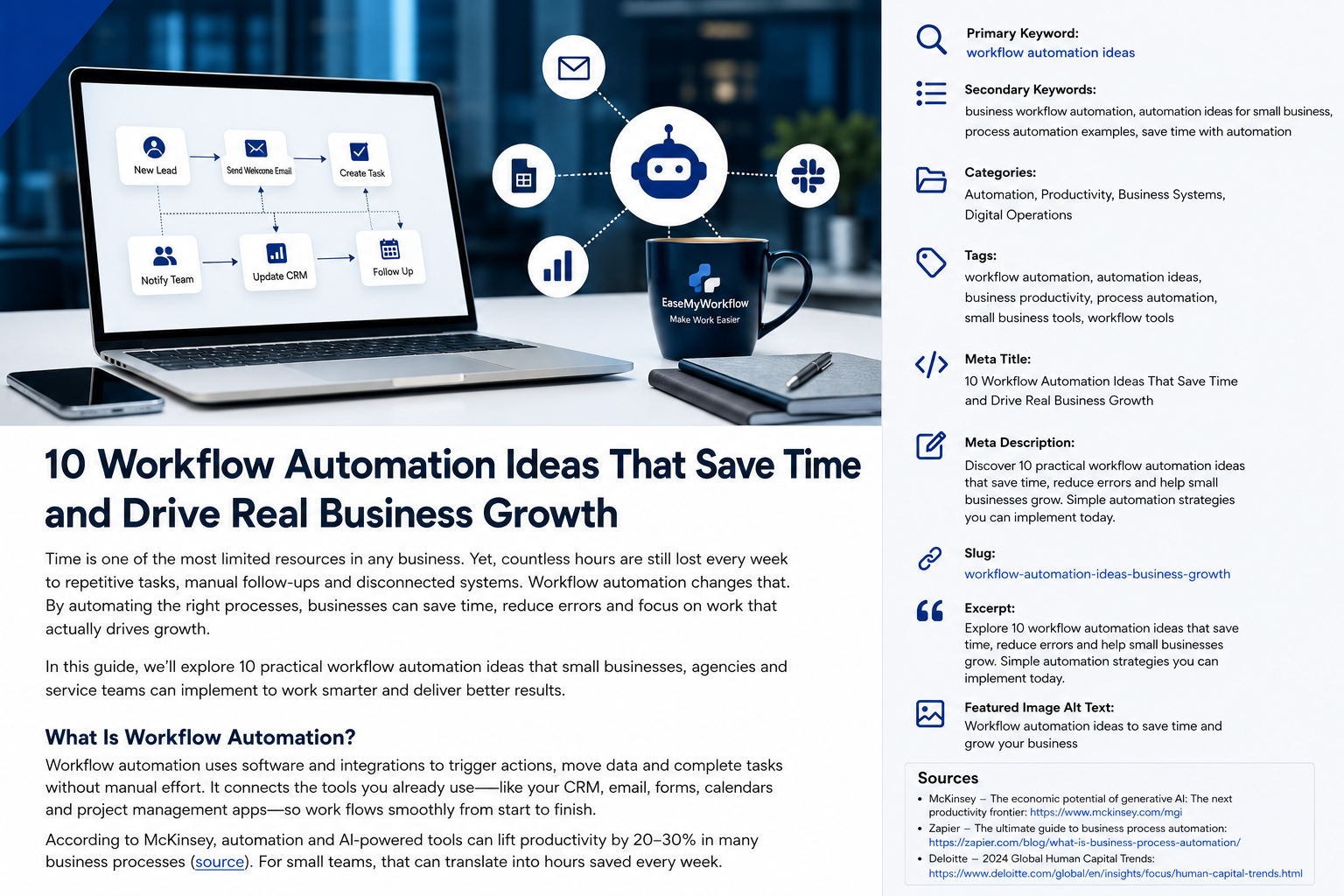
AI agents are moving quickly from experimental tools to practical business systems. They can research, update records, prepare documents, coordinate tasks and complete multi-step workflows across several applications. For small businesses, that creates a genuine opportunity: less repetitive work, faster response times and more consistent operations.
But there is an important difference between an impressive demo and a valuable business system. An agent that can perform a task is not automatically an agent that should be deployed at scale. Before expanding an AI workflow across a team, businesses need to know whether it produces reliable outcomes, saves meaningful time and creates more value than it costs.
This guide explains how to measure AI agent ROI in a practical way. The goal is not to build a complicated finance model. It is to create a clear decision framework that helps you choose the right workflow, define success, run a controlled pilot and scale only when the evidence supports it.
Why AI Agent ROI Matters Now
Recent product and research announcements show that AI systems are increasingly being designed to complete longer, more complex tasks rather than simply generate text. OpenAI has described agents as systems that can work across tools and handle multi-step tasks, while Microsoft has emphasised that agents need a lifecycle that includes testing, deployment, observation and improvement. These developments point to the same operational lesson: businesses need to evaluate agents as systems, not as one-off prompts.
The financial question is also becoming more important. As agent usage expands, costs can include model usage, automation platforms, implementation, monitoring, exception handling and staff training. OpenAI has recently recommended evaluating model efficiency by outcome ROI and governing advanced workflows before they scale. Microsoft has also introduced agent ROI concepts that compare operating cost with task completion, time saved and cost efficiency.
For small businesses, the takeaway is simple: measure the business result, not the novelty of the technology.
Start With One Workflow, Not a General AI Strategy
The easiest way to measure AI agent ROI is to start with a specific workflow. Avoid broad goals such as “use AI to improve productivity.” Instead, choose a process with a clear beginning, a clear end and a measurable output.
Good pilot workflows often share four characteristics:
- They happen frequently.
- They involve repeatable steps.
- They consume noticeable staff time.
- They have outcomes that can be reviewed for accuracy.
Examples include qualifying inbound leads, preparing meeting briefs, drafting routine proposals, updating CRM records, categorising support requests, reconciling form submissions or producing weekly operational summaries.
A weak pilot is usually too broad. “Automate customer service” includes many different tasks, judgement levels and risk profiles. A stronger pilot would be “classify incoming support requests, suggest a response and route low-risk cases for approval.” The narrower workflow is easier to test, measure and improve.
Define the Baseline Before You Add AI
You cannot calculate improvement without knowing the current state. Before implementing an agent, observe the workflow as it operates today.
Record at least the following baseline measures:
- Volume: How many cases, tasks or transactions occur each week?
- Average handling time: How long does one case take from start to finish?
- Error or rework rate: How often does someone need to correct the result?
- Cycle time: How long does the customer or team wait for completion?
- Labour cost: What is the approximate cost of the staff time involved?
For example, imagine a service business processes 120 inbound leads per month. A team member spends an average of 12 minutes reviewing each lead, researching basic company information, entering details into the CRM and assigning a follow-up task. That equals 24 staff hours per month before any rework or delays are included.
This baseline becomes the reference point for the pilot.
Measure Four Types of Value
AI agent ROI is more useful when it includes more than direct labour savings. A practical scorecard should measure four areas.
1. Time Saved
Calculate how much manual work is removed or reduced. Use the actual time saved after human review, not the theoretical time the agent appears to save.
A simple formula is:
Monthly time saved = task volume × baseline handling time − new total handling time
If the lead-processing agent reduces average handling time from 12 minutes to 4 minutes, the monthly saving is 16 hours across 120 leads.
2. Quality and Accuracy
An agent that works quickly but creates errors can increase total workload. Track the percentage of outputs that pass review without correction. Also record the severity of mistakes. A missing tag is not equivalent to sending incorrect information to a customer.
Useful quality measures include:
- First-pass approval rate
- Correction rate
- Escalation rate
- Critical error count
3. Speed and Service
Faster cycle times can create value even when labour savings are modest. A lead contacted within minutes may be more valuable than one contacted the next day. A customer request routed immediately may improve service quality and reduce missed opportunities.
Measure the time from trigger to completion before and after the agent is introduced.
4. Capacity and Revenue Impact
Time savings only become business value when the released capacity is used well. The team might handle more customers, complete more billable work, respond faster or spend more time on higher-value activities.
Be conservative when estimating revenue impact. Do not claim that every saved hour becomes revenue. Instead, track real changes such as additional proposals sent, faster lead response, increased project capacity or reduced outsourcing costs.
Include the Full Cost of the Agent
A realistic AI agent ROI calculation should include more than software subscriptions.
Common cost categories include:
- AI model or platform usage
- Automation and integration tools
- Initial workflow design and implementation
- Testing and quality assurance
- Human review and exception handling
- Ongoing maintenance
- Staff training and documentation
The basic ROI formula is:
ROI = (measurable benefit − total cost) ÷ total cost × 100
Suppose the lead-processing workflow saves 16 hours per month. If the loaded hourly cost of the employee is £25, the direct time value is £400 per month. If software usage and maintenance cost £140 per month, the net monthly benefit is £260. That is a monthly ROI of approximately 186%.
This example does not include possible benefits from faster lead response or improved CRM data. Those can be tracked separately and added only when there is credible evidence.
Use a Human-in-the-Loop Pilot
For most small businesses, the best first deployment is not full autonomy. It is a controlled workflow where the agent prepares or executes work and a person reviews important outputs.
This approach provides three benefits. It limits risk, produces useful quality data and shows where the workflow breaks. During the pilot, record every exception. Exceptions often reveal unclear rules, missing data, poor integrations or decisions that still require human judgement.
A four-week pilot is often enough to identify patterns for a frequent workflow. Compare results with the baseline each week rather than waiting until the end. If quality declines, adjust the instructions, data access or workflow boundaries before increasing volume.
Create a Simple AI Agent Scorecard
A small business does not need a complex dashboard to make a sound decision. A one-page scorecard can include:
- Tasks completed
- Completion rate
- Average processing time
- Human review time
- First-pass approval rate
- Critical errors
- Monthly operating cost
- Estimated monthly benefit
- Net ROI
Add one final field: recommended decision. The options can be scale, improve and retest, restrict to a narrower workflow or stop.
This prevents teams from continuing a project simply because time and effort have already been invested.
Know When Not to Scale
An agent should not be scaled when the workflow still depends on frequent manual rescue, when errors create significant customer or compliance risk, or when the operating cost is higher than the measurable benefit.
Other warning signs include:
- The agent performs well only on carefully selected examples.
- Staff cannot explain how exceptions are handled.
- The underlying process changes too frequently.
- Required data is incomplete or inconsistent.
- No one owns monitoring and maintenance.
Stopping or narrowing a pilot is not a failure. It is a useful result that protects the business from scaling the wrong system.
Scale the Workflow in Stages
When the pilot meets its targets, expand gradually. Increase volume first, then reduce review only for low-risk cases with a strong performance history. Keep clear approval points for financial, legal, customer-facing or irreversible actions.
Document the workflow, including triggers, tools, permissions, expected outputs, exception rules and ownership. AI agents can change as models, prompts, integrations and business processes evolve. A system that performs well today still needs ongoing observation.
This is why the best automation projects combine technology with process design. The agent is only one component. The surrounding workflow, controls, data and responsibilities determine whether it produces dependable value.
Conclusion: Treat AI Agents Like Business Systems
AI agents can create meaningful value for small businesses, but the right question is not “Can this task be automated?” The better question is “Can this workflow produce a reliable, measurable business improvement?”
Start with one repeatable process. Measure the current baseline. Track time, quality, speed and capacity. Include the full cost of implementation and oversight. Run a controlled pilot and scale only when the results are clear.
EaseMyWorkflow helps businesses identify suitable automation opportunities, improve processes and build practical AI systems with the right controls. To evaluate where AI could create the most value in your operations, request an AI Business Audit or discuss a workflow challenge with the EaseMyWorkflow team.
Sources
- OpenAI: How agents are transforming work
- OpenAI: How to manage AI investments in the agentic era
- Microsoft: AI alone will not change your business; the system running it will
- Microsoft: From observability to ROI for AI agents
- Microsoft: Agentic business transformation
- OpenAI: A practical guide to building AI agents