
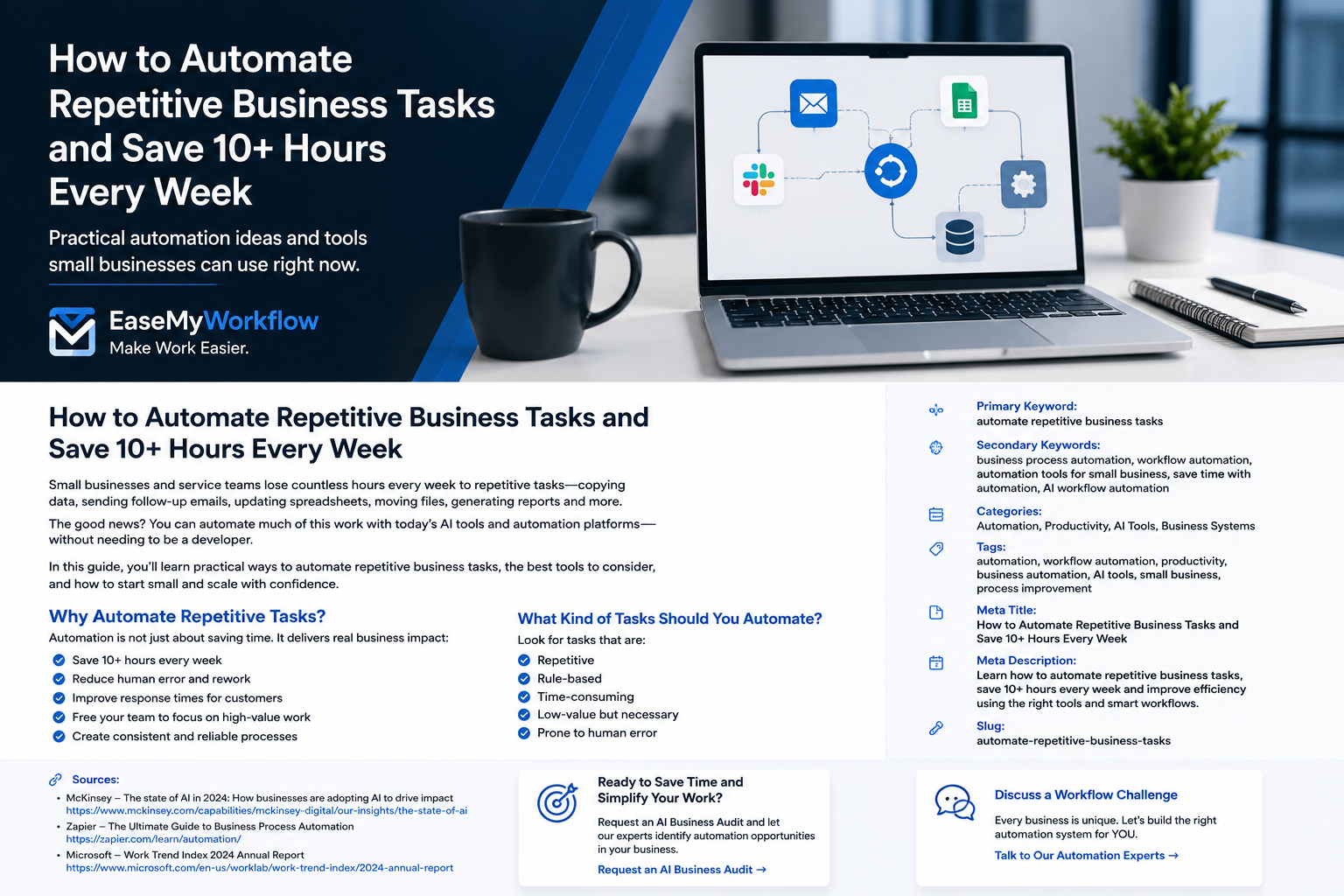
AI agents are moving from technology demonstrations into everyday business operations. For a small business, however, the opportunity is not to automate everything. It is to choose a narrow, repetitive workflow where an agent can reduce administrative work without creating unacceptable risk.
An AI agent is different from a basic chatbot. A chatbot usually responds to a prompt and waits for the next instruction. An agent can pursue a goal, plan several steps, use connected tools and take actions such as updating a record, preparing a document or routing a request. Google Cloud describes agents as systems that use AI to pursue goals and complete tasks on behalf of users, while OpenAI highlights their ability to coordinate tasks and work across connected business tools.
That added capability creates more value, but it also requires stronger controls. NIST has emphasized reliability, security, identity and interoperability as important foundations for trusted AI-agent adoption. Small businesses should therefore treat agents as junior digital operators: useful within a clear role, limited by permissions and supervised when decisions have financial, legal or customer consequences.
What makes a workflow suitable for an AI agent?
The best starting point is usually not the most impressive process. It is the process your team repeats frequently, understands well and can check easily.
A workflow is a strong candidate when it has:
- Digital inputs such as emails, forms, documents, CRM records or spreadsheets.
- A clear starting event and a clear definition of completion.
- Repeatable steps, even when some judgement is required.
- A manageable cost if the agent makes a mistake.
- A person who can review exceptions or approve important actions.
- A measurable outcome such as response time, processing time, error rate or completion rate.
Traditional automation is still better for fixed rules such as copying a field between two systems. An AI agent becomes useful when the workflow includes unstructured information, changing context or several tools that must be coordinated.
Seven practical AI-agent workflows for small businesses
1. Lead intake, qualification and routing
A service business may receive enquiries from website forms, email, social platforms and referral partners. An agent can collect these enquiries, summarize the request, identify missing information, apply a simple qualification framework and create or update the CRM record.
It can then route the lead to the correct salesperson, service line or location. For example, a web agency could route redesign enquiries differently from support requests and flag high-value opportunities for faster review.
Recommended control: Let the agent classify and prepare the record, but require human approval before rejecting a lead, committing to a price or sending a highly personalized sales message.
2. Shared-inbox triage and response drafting
Many small teams lose time reading the same inbox repeatedly. An agent can categorize incoming messages, detect urgency, identify the customer or project, draft a reply and assign the conversation to the right person.
This is particularly useful for enquiries, support requests, appointment changes, document requests and routine status questions. The agent can also identify messages that have not received a response within the team’s service target.
Recommended control: Automatically send only low-risk, template-based acknowledgements. Keep refunds, complaints, contract questions and sensitive customer issues behind a human approval step.
3. Meeting notes that become tracked actions
Meeting summaries are helpful, but the greater value comes from converting the discussion into work. An agent can review a transcript, extract decisions, list action items, identify owners and due dates, and prepare updates for the project-management system.
It can also compare the new actions with existing tasks and flag potential duplicates or conflicting deadlines. This closes the gap between “we discussed it” and “the work is assigned and visible.”
Recommended control: Ask the meeting owner to approve the extracted decisions and assignments before tasks are created or customer commitments are recorded.
4. Proposal and statement-of-work preparation
Preparing proposals often involves gathering information from discovery notes, service templates, pricing sheets, case-study libraries and previous documents. An agent can assemble the relevant material and create a first draft using approved sections and language.
It can also check whether required sections are present, highlight assumptions, identify unanswered questions and format the document for review. This can reduce administrative effort while keeping commercial judgement with the business owner or account lead.
Recommended control: Never allow the agent to invent pricing, delivery promises, results, testimonials or legal terms. Require a responsible person to approve every external proposal.
5. Invoice and expense administration
An agent can read invoices and receipts, extract supplier names, dates, amounts and tax fields, suggest an expense category, match documents to purchase records and flag possible duplicates or missing information.
It can also prepare a weekly exception list for the finance team rather than asking someone to inspect every document manually. This is a good example of using AI for interpretation while keeping the accounting system and approval rules authoritative.
Recommended control: The agent may prepare entries, but it should not approve payments, change bank details or make final tax classifications without a qualified reviewer.
6. Website and content operations
Small-business websites often become outdated because no one owns the recurring maintenance work. An agent can review pages for broken links, inconsistent contact details, outdated service descriptions, missing metadata and content that needs a factual refresh.
It can then prepare change requests or draft updated copy. For businesses that publish regularly, the same workflow can check formatting, headings, internal links, image alt text and required review steps before an article enters the publishing queue.
Recommended control: Keep publishing, price changes, legal pages and major claims behind manual approval. The agent should prepare and verify, not silently rewrite the live website.
7. Weekly management reporting
Owners frequently spend time collecting updates from sales, finance, projects and support systems. An agent can gather approved data, compare results with targets, summarize notable movements and prepare a management report with links back to the underlying records.
It can also ask managers for missing commentary and highlight discrepancies that need investigation. The important design principle is that the agent explains the data; it should not replace the source systems or hide uncertainty.
Recommended control: Define every metric clearly, show the reporting period and source, and require review before the report is shared outside the management team.
A safety-first implementation framework
AI-agent projects are more dependable when the workflow is designed before a tool is selected. A practical implementation can follow six steps.
1. Map the current process
Document the trigger, inputs, decisions, systems, handoffs, exceptions and final output. Record where delays and errors currently occur. Automating a poorly understood process usually makes the confusion faster rather than removing it.
2. Give the agent a narrow role
Define exactly what the agent may do, what it must not do and when it must stop. “Help with customer service” is too broad. “Categorize new support emails, draft replies from approved knowledge and escalate billing or complaint messages” is much safer.
3. Use minimum necessary access
Connect only the systems and data required for the task. Read-only access is preferable during early testing. Where write access is required, limit it to specific records, folders or actions. This reflects the same least-privilege principle used in good security practice.
4. Add approval points for consequential actions
Human review should be based on risk, not added randomly. Require approval before payments, contractual commitments, price changes, deletions, external publishing, sensitive messages or decisions that affect employment or access.
5. Test normal cases and difficult exceptions
Create a test set using realistic examples: complete requests, incomplete requests, conflicting information, unusual wording and attempts to make the agent ignore its instructions. Record whether the output was correct, whether the agent escalated appropriately and whether the action could be reversed.
6. Measure business outcomes
Track a small number of operational measures before and after the pilot. Useful measures include average handling time, response time, number of manual touches, exception rate, rework and user satisfaction. A workflow that looks impressive but creates more checking is not successful automation.
A simple 30-day rollout plan
- Week 1: Select and map one workflow. Choose a repetitive process with clear ownership and low-to-moderate risk. Establish the baseline measures.
- Week 2: Build a supervised prototype. Use a small data set, read-only connections where possible and manual approval for every action.
- Week 3: Run a controlled pilot. Let a small group use the workflow on real work. Log errors, exceptions, overrides and time saved.
- Week 4: Review and decide. Improve instructions and permissions, confirm the business case, and either expand gradually, redesign the process or stop the pilot.
Starting with one bounded workflow creates evidence and internal confidence. It also helps the team learn how agent permissions, prompts, integrations and approvals should work before the business attempts a larger process.
Where AI agents should not operate independently
Small businesses should be cautious with actions that are difficult to reverse or require professional accountability. An agent should not independently transfer money, change supplier bank details, sign contracts, provide regulated professional advice, make final hiring decisions, delete critical records or publish sensitive claims.
These activities may still benefit from AI preparation. The agent can gather documents, summarize information, check completeness or prepare a draft. The final decision should remain with an authorized person who understands the consequences.
Make the workflow better, not merely more automated
The strongest AI-agent projects begin with a business problem, not a tool. They remove unnecessary handoffs, make information easier to find and give people more time for judgement, relationships and improvement work.
For many small businesses, the right first project is modest: a cleaner lead-intake process, a better shared inbox or meeting actions that reliably reach the project system. Once that workflow is stable, the same design principles can be applied elsewhere.
EaseMyWorkflow helps businesses improve processes, connect tools and build practical AI and automation systems with appropriate controls. Discuss a workflow challenge or request an AI Business Audit to identify a useful starting point for your operations.