
Most businesses do not lose time in one dramatic place. They lose it in small, repeated actions: copying details from a form into a CRM, checking whether an invoice arrived, summarising a customer email, updating a spreadsheet, creating a weekly report, or reminding someone that a task is waiting.
Individually, these jobs may take only a few minutes. Across a team and an entire week, they can consume dozens of hours. AI workflow automation can reduce that manual load by combining reliable process automation with artificial intelligence for tasks that involve reading, classifying, summarising, extracting information or choosing the next step.
The goal is not to hand your business to an unsupervised robot. The goal is to design a controlled system that handles repetitive work, pauses when human judgement is needed and records what happened.
What Is AI Workflow Automation?
Traditional automation follows fixed rules: when this happens, do that. AI workflow automation adds a reasoning layer that can work with less structured information such as emails, documents, support requests and meeting notes.
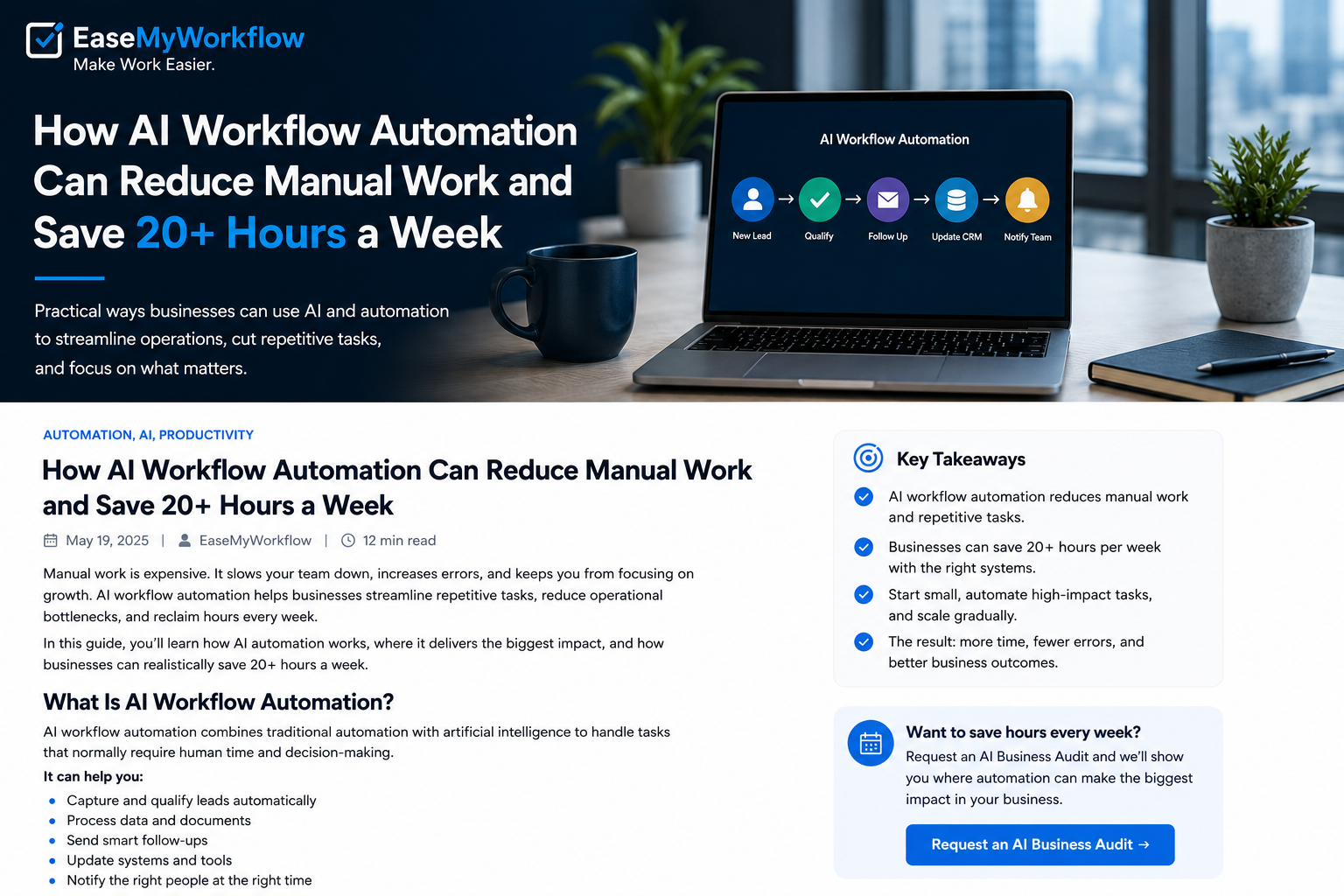
A typical workflow may include five parts:
- A trigger: A form is submitted, an email arrives, a record changes or a deadline approaches.
- Context: The system retrieves relevant customer, project or policy information.
- AI processing: The AI extracts fields, classifies the request, drafts a response or recommends an action.
- Business actions: The workflow updates a CRM, creates a task, sends a notification or prepares a document.
- Controls: Rules, permissions and approvals determine what the system may do automatically.
This shift from chat-only tools to systems that can use tools and complete steps is visible across major platforms. OpenAI describes agent-building tools that combine models with web search, file search, computer use, guardrails and tracing. Microsoft documents autonomous agents that respond to triggers, make decisions and execute tasks within defined instructions and guardrails. These capabilities make automation more flexible, but they also make good process design more important.
Can a Business Really Save 20+ Hours a Week?
Twenty hours should not be treated as an industry benchmark or a guaranteed result. It is a planning target that becomes realistic when a business has enough repetitive volume.
The most accurate way to estimate the opportunity is simple:
Weekly time cost = number of tasks × average minutes per task ÷ 60
Consider a hypothetical service business:
- It receives 60 new enquiries each week, and staff spend eight minutes checking, tagging and entering each one. That is eight hours.
- It processes 100 documents or invoices, with six minutes spent naming, checking and recording each file. That is ten hours.
- A manager spends four hours assembling a weekly status report from different systems.
In this example, the visible workload is 22 hours per week before counting corrections, follow-ups or delays. Automating every minute would be unrealistic, but even partial automation could return meaningful capacity to the team.
Your calculation may show five hours, 20 hours or 50 hours. The number matters less than identifying a workflow with enough volume, a clear outcome and a manageable level of risk.
Five High-Impact Workflows to Review
1. Lead Capture and Qualification
A lead may arrive through a website form, chat, email, advertising platform or referral. A well-designed workflow can collect the details, detect missing information, classify the enquiry, update the CRM and notify the correct person.
AI is useful when the enquiry is written in natural language. It can identify the requested service, urgency, location or budget range without forcing every prospect through a long form.
Keep important decisions controlled. For example, let the system recommend a lead category, but require a person to approve rejection, pricing or contractual commitments.
2. Shared Inbox Triage
Many teams repeatedly open emails, decide who owns them, create tasks and write similar acknowledgements. AI workflow automation can classify messages, detect priority, extract dates or account numbers and prepare a draft response.
A safer early version does not send replies automatically. It organises the inbox, drafts the response and gives a team member a review queue. Once accuracy is proven, low-risk acknowledgements can be automated while complaints, cancellations and financial requests remain human-reviewed.
3. Document and Invoice Intake
Documents often arrive with inconsistent names, layouts and attachments. AI can extract fields, check whether required information is present, rename files consistently and route exceptions to the right person.
The workflow should validate critical values before updating accounting, payroll or customer systems. A confidence threshold can send uncertain results to a review queue instead of guessing.
4. Project Updates and Handoffs
Work slows down when information is trapped in meetings, chat messages and personal notes. A workflow can summarise meeting transcripts, identify decisions and actions, create tasks and notify owners.
The useful outcome is not a longer summary. It is a reliable handoff: who is doing what, by when, and what information they need.
5. Recurring Reports and Dashboards
Weekly reporting often involves collecting data from several tools, cleaning it and writing the same commentary. Automation can gather the numbers, flag unusual changes and prepare a first draft of the report.
Human review is still valuable because business context rarely lives in a single database. A metric may have changed because of a campaign, holiday, data issue or operational decision that the system cannot infer safely.
How to Choose the First Workflow
The best first project is usually not the most impressive. It is the process that is frequent, stable and easy to verify.
Score each candidate from one to five on:
- Volume: How often does it happen?
- Time: How much manual effort does it consume?
- Consistency: Is the process reasonably standard?
- Data readiness: Is the required information accessible and reliable?
- Risk: What happens if the system makes a mistake?
- Measurability: Can you compare the result with the current process?
Start with high-volume, low-risk work. Avoid beginning with payroll changes, legal commitments, large payments or sensitive customer decisions. Those may be automated later, but they require stronger controls.
Build Guardrails Before You Add Autonomy
AI agents can take actions across connected systems, so permissions and oversight must be part of the design rather than an afterthought.
OpenAI’s current agent guidance recommends automatic guardrails for inputs, outputs and tool behaviour, together with human review for sensitive actions. Its Agents SDK also includes tracing so teams can inspect model calls, tool calls, handoffs and guardrail events. Microsoft similarly describes autonomous agents operating within triggers, instructions and defined guardrails.
A practical control checklist includes:
- Give the workflow access only to the systems and fields it needs.
- Separate read permissions from write permissions.
- Require approval before sending money, deleting data, changing contracts or communicating sensitive decisions.
- Set validation rules for required fields, formats and acceptable values.
- Log each action, input, output and approval.
- Create a clear fallback when information is missing or confidence is low.
- Test unusual, incomplete and malicious inputs before launch.
The NIST AI Risk Management Framework organises risk work around governing, mapping, measuring and managing AI systems. The OWASP Top 10 for Agentic Applications for 2026 also highlights security risks specific to agents that plan and act across workflows. Small businesses do not need a large governance department, but they do need named owners, documented permissions and a process for handling failures.
A Practical 30-Day Implementation Plan
Week 1: Observe the Current Process
Document the real workflow, not the ideal one. Record triggers, systems, decisions, exceptions, average time and common errors. Speak with the people who perform the work every day.
Week 2: Build a Narrow Prototype
Automate one clearly defined path. Keep a human approval step and use test data where possible. The prototype should prove that information moves correctly between systems.
Week 3: Test Accuracy and Exceptions
Run historical examples, including difficult cases. Measure extraction accuracy, routing accuracy, completion time and the percentage of tasks requiring manual correction.
Week 4: Launch With Monitoring
Release the workflow to a limited group or a portion of incoming work. Review logs frequently, collect staff feedback and adjust the rules before expanding.
Measure Results That Matter
Do not judge an automation project by the number of steps it contains. Measure whether the process improved.
- Manual minutes per transaction
- Cycle time from request to completion
- Error and rework rate
- Percentage of cases completed without intervention
- Number of approval escalations
- Customer or staff response time
Track a baseline before launch. Without it, a workflow may feel faster while creating hidden review work elsewhere.
Make Work Easier, Not More Complicated
Effective AI workflow automation is less about adding artificial intelligence everywhere and more about removing avoidable friction. The strongest systems use deterministic rules for predictable steps, AI for unstructured information and human judgement for high-impact decisions.
Begin with one repetitive workflow, calculate its real cost, automate a narrow path and expand only after the results are measurable. That approach can free substantial time without sacrificing control.
EaseMyWorkflow helps businesses improve processes through professional websites, AI systems, workflow automation, dashboards and digital operations. To identify the best starting point, request an AI Business Audit or discuss a workflow challenge with the EaseMyWorkflow team.