
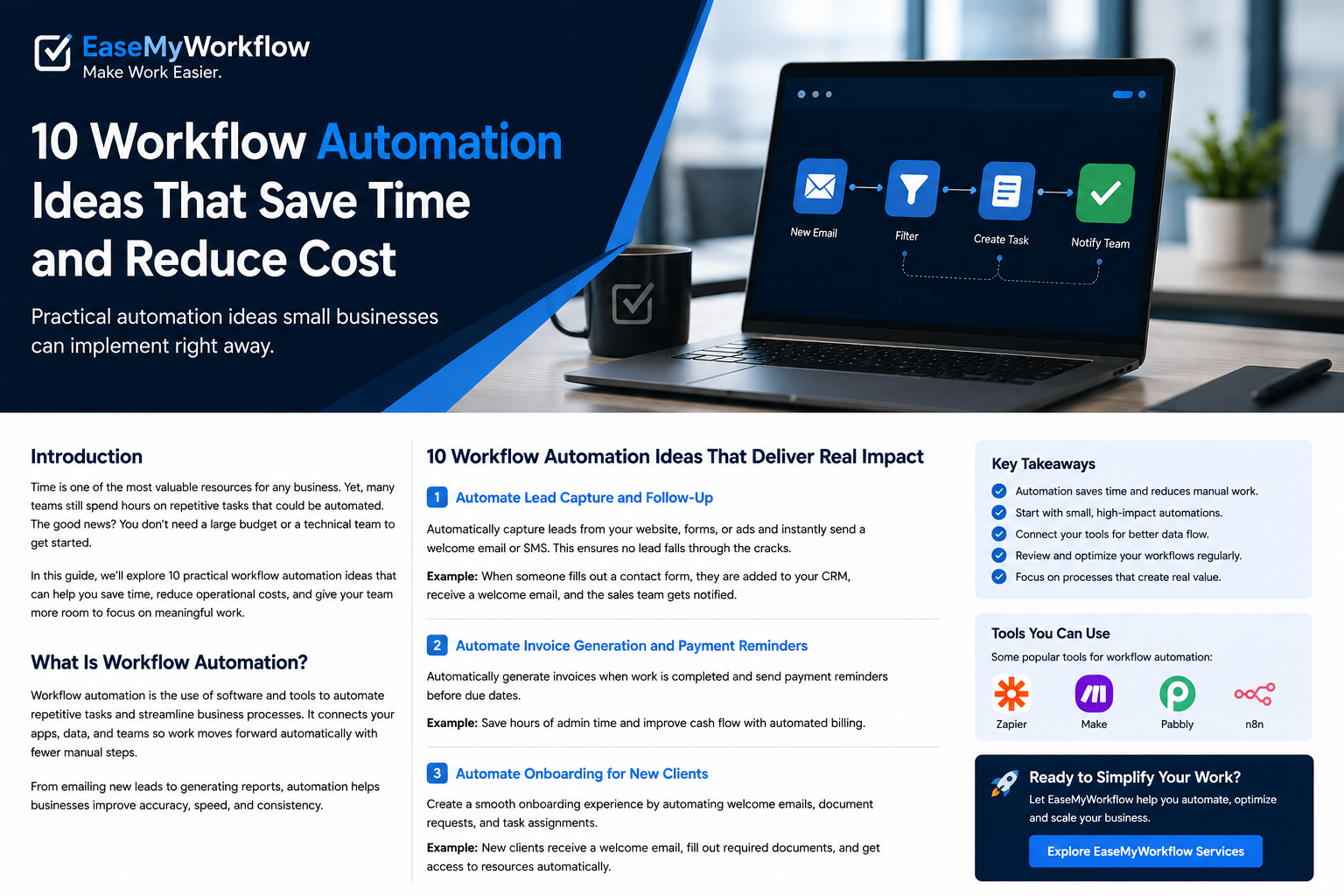
Most businesses do not have a shortage of work. They have a shortage of uninterrupted time.
Leads arrive through forms, messages and referrals. Customers ask the same questions. Staff copy information between tools. Invoices need reminders. Managers assemble reports from several spreadsheets. Each task may take only a few minutes, but together they create delays, inconsistencies and unnecessary operating cost.
Workflow automation connects the steps, systems and people involved in a process so routine work moves forward with less manual effort. The goal is not to automate everything. It is to remove predictable administrative work while keeping people responsible for judgment, exceptions and important customer decisions.
This guide covers ten practical workflow automation ideas for small businesses, agencies and service teams. Each idea can begin as a focused project and become more sophisticated only when the process proves useful.
What Makes a Good Workflow Automation?
A useful automation has a clear trigger, a defined sequence of actions and an expected result. For example, a website form submission can trigger the creation of a contact record, an acknowledgement email, a sales task and a notification to the correct team member.
The best starting workflows usually share four characteristics:
- They happen frequently.
- The steps are reasonably consistent.
- Delays or mistakes have a visible cost.
- A person can clearly explain what should happen when something goes wrong.
A messy process does not become a good process simply because software runs it faster. Before building anything, document the current steps, remove unnecessary approvals and decide which system should hold the final record.
10 Workflow Automation Ideas That Deliver Real Impact
1. Automate Lead Capture and Follow-Up
New enquiries often arrive through website forms, advertising campaigns, email, social media and messaging apps. When someone must manually transfer every lead into a CRM or spreadsheet, response time depends on availability and memory.
A simple lead workflow can capture the enquiry, create or update the contact, assign an owner, send an acknowledgement and schedule a follow-up task. Routing rules can use location, service type, company size or another field that matters to the business.
Practical example: A prospect requests a website consultation. The workflow adds the lead to the CRM, sends a confirmation with a booking link and alerts the appropriate consultant. If no meeting is booked within two days, it creates a follow-up task.
2. Automate Common Customer Questions With Human Handoff
Customer messaging is a strong automation candidate because many conversations begin with repeatable questions about availability, pricing, delivery, appointment times or service coverage.
In May 2026, Meta announced Business AI on WhatsApp for eligible small businesses in India. According to the announcement, it can answer common questions, recommend products, capture leads and book appointments using information supplied by the business. Owners can take over when a conversation needs human attention. The rollout also supports native Indian languages and is designed to work inside the WhatsApp Business app without third-party setup. Read Meta’s official announcement.
The operational lesson is broader than one product: automate the predictable opening of a conversation, but define clear escalation rules. Complaints, refunds, unusual pricing, sensitive information and high-value opportunities should reach a person quickly.
3. Automate Appointment Booking and Reminders
Scheduling creates hidden work when teams exchange several messages to find a suitable time, manually send reminders and then update another system after the meeting.
A booking workflow can display available slots, collect necessary details, create the calendar event, send confirmation and issue reminders. After the meeting, it can trigger a feedback request, follow-up task or next-step email.
Practical example: A clinic, consultant or repair service sends a reminder 24 hours before the appointment. A cancellation automatically releases the slot and notifies the waitlist.
4. Automate New Client Onboarding
Client onboarding often involves the same sequence: welcome message, agreement, payment, information request, folder creation, internal tasks and kickoff scheduling. When these steps are handled informally, clients receive inconsistent experiences and teams begin work without complete information.
An onboarding workflow can start when a proposal is accepted or an initial invoice is paid. It can create the client folder, send a tailored checklist, assign internal tasks and notify the project owner when required documents are complete.
Keep the communication personal even when the process is automated. A well-written welcome message should explain what will happen next, who owns the relationship and how the client can get help.
5. Automate Proposals, Quotes and Approvals
Preparing a standard quote should not require copying the same client details, service descriptions and terms into a new document every time.
A structured request form can collect the information needed to generate a draft proposal from approved templates. Rules can calculate standard pricing, while unusual discounts or custom terms are routed to a manager for approval.
This is a good example of selective automation. Software can assemble the document and coordinate approval, but a responsible person should review scope, price and commitments before the proposal is sent.
6. Automate Invoice Creation and Payment Reminders
Billing delays create cash-flow pressure and make financial records harder to trust. A workflow can generate an invoice when a project milestone is approved, a timesheet is submitted or an order is fulfilled.
It can then send polite reminders based on the due date, notify the account owner when an invoice becomes overdue and stop reminders when payment is recorded. Sensitive disputes should be escalated rather than handled by an aggressive automated sequence.
Practical example: Completion of a monthly service task triggers the invoice. The client receives a reminder before the due date and the finance team receives an alert only if payment remains outstanding after the agreed period.
7. Turn Emails and Forms Into Assigned Tasks
Important work is easily lost when requests remain inside an inbox. Automation can convert a qualified email or form submission into a task with an owner, due date, priority and link to the original message.
Use clear rules so the task system does not become cluttered. For example, create tasks only for messages sent to a dedicated support address, forms marked urgent or emails containing an approved reference number.
AI can help classify requests and draft a summary, but the workflow should preserve the original message so the assignee can verify the details.
8. Extract Information From Documents
Businesses regularly receive invoices, applications, order forms, briefs and reports that contain information needed elsewhere. Document automation can extract selected fields, validate their format and add them to the appropriate system.
A safe implementation should check confidence and route uncertain results to a person. It should never silently overwrite important records when the source is unclear.
Practical example: An incoming supplier invoice is saved to the correct folder, key fields are extracted and a draft expense record is created. A team member verifies the amount and supplier before approval.
9. Automate Weekly Reporting and Exception Alerts
Managers often spend more time collecting numbers than interpreting them. A reporting workflow can pull agreed metrics from source systems, update a dashboard and distribute a concise summary on a schedule.
The most useful reports highlight exceptions rather than producing more data. Alerts might flag overdue projects, falling lead response rates, unresolved support requests or unusual spending.
Define every metric before automating it. A polished dashboard built on inconsistent definitions can create false confidence.
10. Automate Feedback and Review Requests
Customer feedback is valuable, but requests are often sent inconsistently or too late. A workflow can ask for feedback after a completed service, resolved support case or delivered order.
The request should be timely and respectful. Positive and negative responses should be captured in the same process. Low scores can create an internal recovery task, while satisfied customers can be shown the appropriate public review option.
Avoid repeatedly contacting customers who do not respond. Automation should improve the experience, not create pressure.
Build Guardrails Before You Add More AI
AI-enabled workflows can interpret text and handle less structured requests, but they also introduce new failure modes. The NIST AI Risk Management Framework organises risk-management work around governing, mapping, measuring and managing AI risks. For a small business, that can translate into a practical checklist:
- Name the person accountable for each automated workflow.
- Limit which systems and data the automation can access.
- Record important actions and decisions.
- Test normal cases, edge cases and deliberate misuse before launch.
- Provide a clear path to human support.
- Review performance, cost and errors regularly.
Security matters when an AI system reads customer messages or documents. OWASP identifies prompt injection as a major risk for large-language-model applications because crafted input may attempt to change the system’s intended behaviour. Review OWASP’s prompt-injection guidance. Businesses should treat external text as untrusted, restrict high-impact actions and require approval before an AI workflow sends money, changes permissions or makes binding commitments.
How to Choose Your First Automation
Do not begin with the most impressive idea. Begin with a workflow that is frequent, measurable and low risk.
- Observe the process. Write down every step, tool, delay and exception.
- Choose one outcome. Examples include faster response, fewer missed tasks or shorter billing time.
- Establish a baseline. Measure the current time, error rate or completion rate.
- Automate the stable steps. Keep judgment-heavy decisions with people.
- Run a controlled pilot. Use a limited set of customers, services or internal users.
- Review the evidence. Expand only when the workflow is reliable and genuinely useful.
Cost also needs attention. The WhatsApp Business Platform, for example, uses delivered-message pricing that varies by market and message category, while certain service interactions may be free under its current pricing structure. Check the current official pricing before designing volume assumptions. The same principle applies to every automation platform: model software fees, usage charges, maintenance time and the cost of failures.
A Simple 30-Day Rollout
During the first week, select one workflow and document the current process. In the second week, clean the underlying data, templates and ownership rules. In the third week, build and test the automation with realistic examples. In the fourth week, launch a small pilot and compare the result with the baseline.
At the end of the month, decide whether to improve, expand or stop. A small automation that works every day is more valuable than an ambitious system that employees do not trust.
Conclusion: Automate the Busy Work, Not Accountability
The strongest workflow automation ideas are rarely about replacing an entire role. They remove repeated copying, chasing, routing and reporting so people can spend more time solving problems and serving customers.
Start with one process, define the expected result and keep a human responsible for exceptions. As the workflow becomes reliable, connect it to the next logical step. Over time, these focused improvements can create a simpler and more responsive operating system for the business.
EaseMyWorkflow helps businesses improve processes, connect tools and build practical automation systems around the way their teams actually work. Discuss a workflow challenge or request an AI Business Audit to identify a useful first project.